A home for each setup.
Give every instance its own mods, artwork, tags, memory allocation and JVM settings.
 daylight.Download ↓
MINECRAFT JAVA EDITION / BY STRAW
Keep your instances together. Find your next mod. Set up your HUD just how you like it.
Independent launcher. Made by Straw.
YOUR NEXT SESSION
Starts here.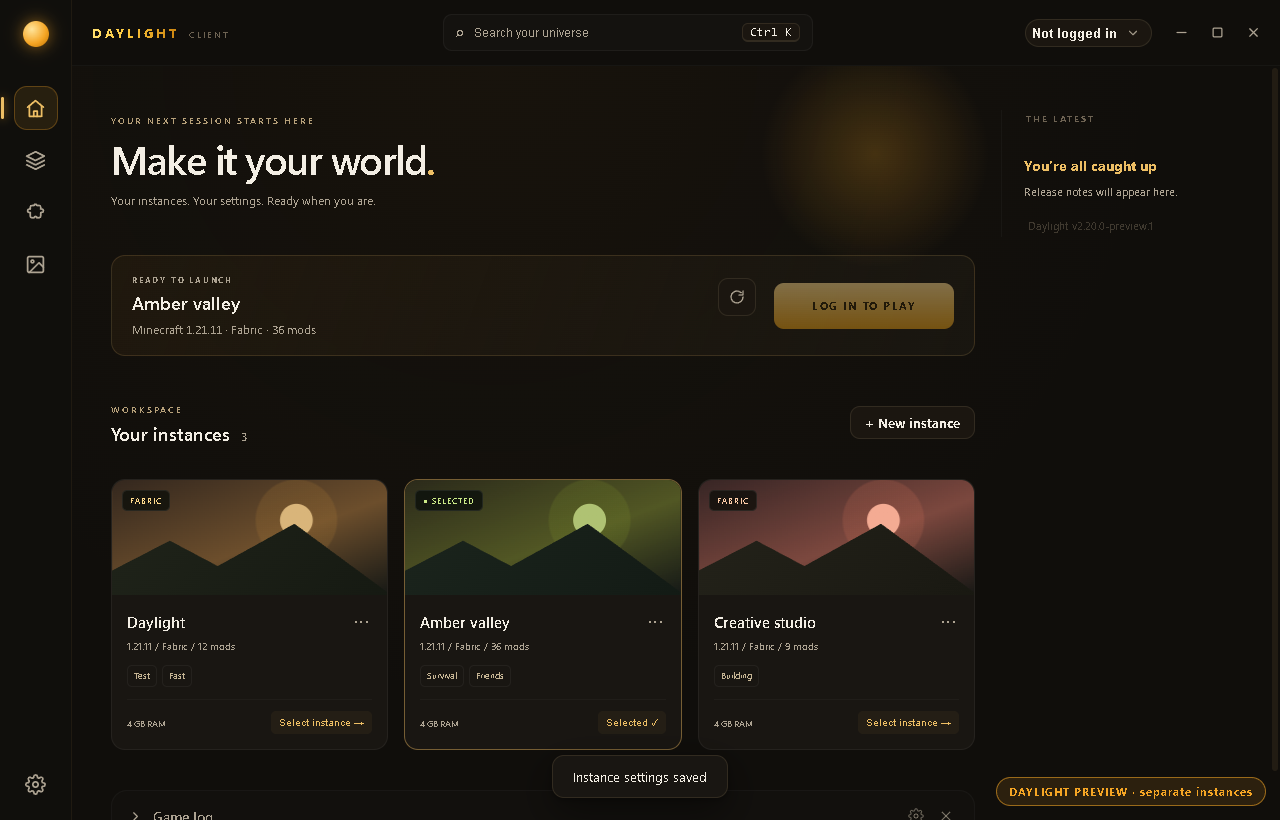
Give every instance its own mods, artwork, tags, memory allocation and JVM settings.
Browse Modrinth mods and resource packs inside the launcher. See what you already have installed.
Search your instances and installed content from one place. Keep your next session within reach.
IN THE GAME
Open the Daylight menu with Right Shift. Choose your modules, then use Edit HUD to arrange them around your game.
Requires the matching Daylight mod and Fabric. Available modules vary by Minecraft version.
Interactive illustration, not a game capture or performance benchmark.
GET STARTED
Choose the Daylight Setup .exe in the release assets. Install over your existing app to keep your setup.
Windows release ↗Unsigned installer · Windows may show a publisher warning.
Choose the linux-x64.tar.gz archive. Extract it, then run ./daylight from the extracted folder.
Portable archive · manual updates · Intel / AMD x64.
macOS and Android are in development and have not been publicly released yet.
THE COMMUNITY
Share your setup, suggest a feature, or tell us what needs fixing.
Daylight does not include a Minecraft license. Use a Microsoft account that owns Minecraft: Java Edition for authenticated play.
Normal desktop updates retain your instances and settings. Install over the existing application, and back up important worlds before updating.
New instances start at Minecraft 1.19. Existing older instances remain. The in-game Daylight mod needs a build matching your game version; not every version or mod combination has been tested.
Visit our Discord or GitHub issues. Include your operating system, Minecraft version, loader and relevant logs. Remove passwords and account tokens before sharing logs.